Linux终端复用器Screen的主题配置.screenrc 0. Motivation最近在服务器上用screen 发现如果采用默认的设置,ctrl+a+c创建窗口之后,没有窗口的标识 非常难分辨 所以打算抄一个好用的设置 1. Screen config首先找到screen的配置文件 .screenrc 一般是 $HOME/.screenrc 如果没有的话,可以创建一个 首先进入$HOME 1cd 然后创建 1touch .screenrc 2025-11-21 Linux #Linux
Conda env里指定nvcc 0. Motivation今天配置环境的时候出现一个特殊情况 需要指定某个conda环境中的nvcc版本 也就是要指定cuda的位置 1. Method首先可以看一下当前用的是什么版本的nvcc 1which nvcc 如果是临时指定很简单: 1234conda activate env_nameexport CUDA_HOME=cuda_path # such as /usr/local/c 2025-10-15 Linux #Linux
pip换源 0. Motivation有时候换了服务器,pip下载时发现速度很慢很慢 实际上是因为忘了换源了 临时可以这样解决: 1pip install name -i https://pypi.tuna.tsinghua.edu.cn/simple 各种国内源如下: 清华源:https://pypi.tuna.tsinghua.edu.cn/simple 阿里源:https://mirrors.ali 2025-10-09 Env > Shell #Env #Shell
Mac在PowerPoint里安装IguanaTex实现latex插入 0. Motivation之前刚开始用 Mac,发现缺少一个能在 Power Point 中差入latex公式的插件 以前在 Windows 上用的是 MathType 在 Mac 似乎不行 上网查了一下发现 IguanaTex 还可以 1. Preliminaries首先得保证自己已经安装了brew包管理器 可以用如下安装: 1/bin/bash -c "$(curl -fsSL ht 2025-10-09 Mac #Mac
Linux-hugging-face 0. Motivation在服务器上下载hugging face权重的时候一直复制链接再wget还是太麻烦了 还是用huggingface-cli吧 1. Setup首先安装一下huggingface-hub 1pip install huggingface_hub 2. Terminal download登陆huggingface-cli 1huggingface-cli login 下载 1h 2025-09-10 Linux #Linux
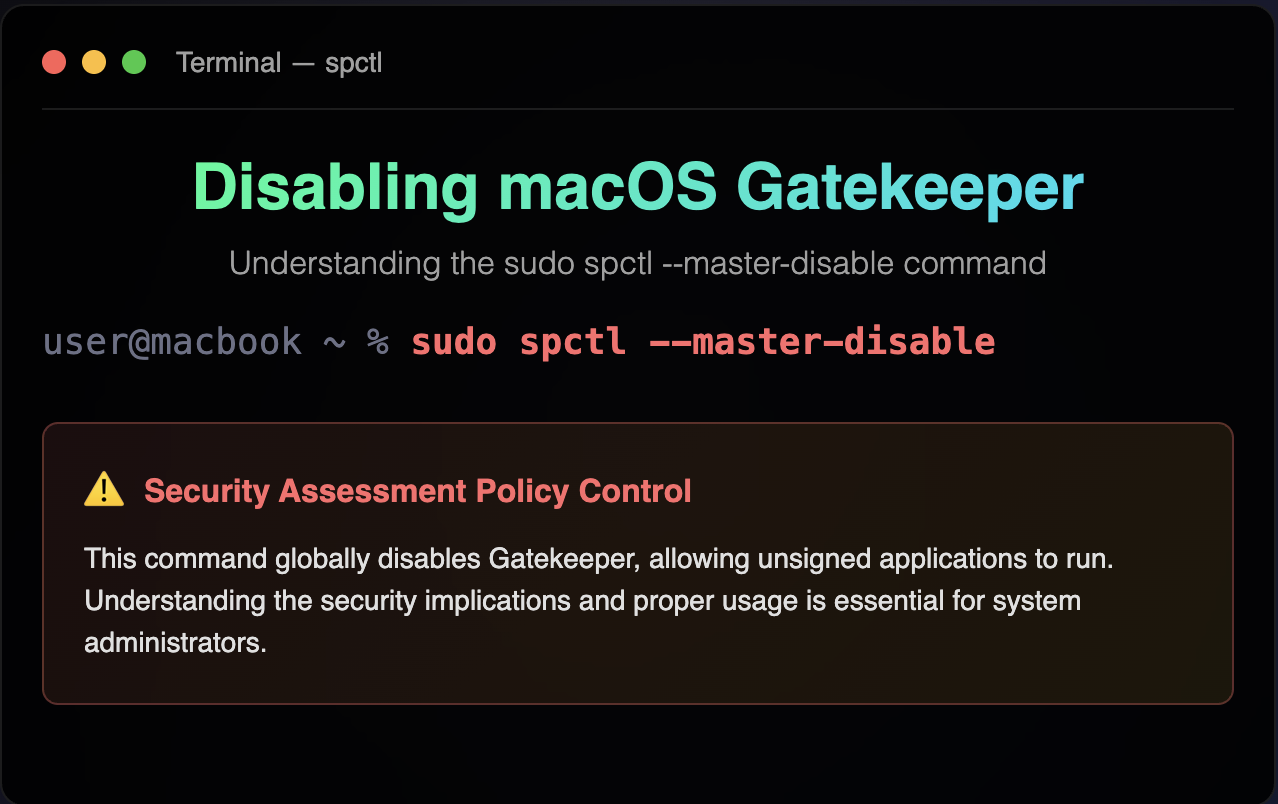
Mac使用spctl取消对"allow applications from anywhere"的隐藏 0. Background今天在安装一个插件的时候发现系统提醒: 无法打开“xxx”,因为无法验证开发者 本来可以直接在Mac的设置里允许信任任何来源的applications 但是从macOS Sierra (10.12)开始,Mac默认隐藏了”任何来源”选项 需要用spctl打开 1. Solution打开终端输入 1sudo spctl --master-disable spctl是Secu 2025-09-07 Mac #Mac
Mac-open-a 0. Motivation今天想要在Mac上实现之前Manjaro那种在终端里打开vscode的效果 实际上很简单 1. Command “open -a”Mac的程序是以application的形式储存在/Applications文件夹里 可以用”open -a”命令来打开 参数-a的意思是application 1$ open -a "Visual Studio Code& 2025-09-05 Mac #Mac
Zotero+Onedrive云盘储存避免付费,插件zotMoov优化文件结构 0. Motivation昨天我在Mac上下载Zotero并进行同步时 发现Zotero的网盘上只有300M达到了上限 而超出的论文无法同步下来 所以我想将Zotero储存论文用的网盘迁移到Onedrive上 并利用Zotero插件zotMoov进行文件结构的优化,方便管理 1. Why zotMoov首先我们要了解一下Zotero储存文件的结构 Zotero将一篇论文的本体(PDF等)与附件(笔 2025-09-05 Env > Zotero #Env #Zotero
OneDrive Couldn't Start. Please restart your computer and try again. Error codes: -93 1. Bug describe我在Mac上安装Onedrive时,出现了登陆之后一直选定不了文件夹的情况 输出如下 123OneDrive Couldn't StartPlease restart your computer and try again.Error codes: -93 最后在网上查到了解决方法 2. Solution不同平台的解决方法可以查阅这里 我在Mac上的解决方 2025-09-05 DEBUG #DEBUG
Hexo Blog 博客迁移 0. Background今天打算将Manjaro上的Hexo博客仓库迁移到Mac来 记录一下遇到的问题 1. Install Hexo in Mac首先要在Mac上安装Hexo Mac安装Hexo比linux简单一些,直接用brew安装即可 首先是安装brew包管理器 12$ /bin/bash -c "$(curl -fsSL https://raw.githubuserconten 2025-09-04 Blog #Blog